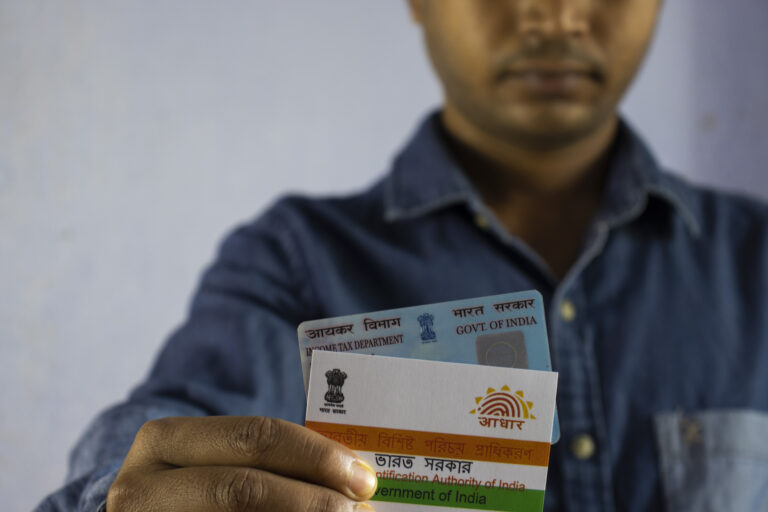
Process of Verifying Income Tax Return through Net Banking
After Filing Income Tax Return, it is mandatory to complete verification. In this blog, you will see on how to verify Income Tax Return through HDFC Net Banking
Login to HDFC Net banking
Enter your Customer ID and Password
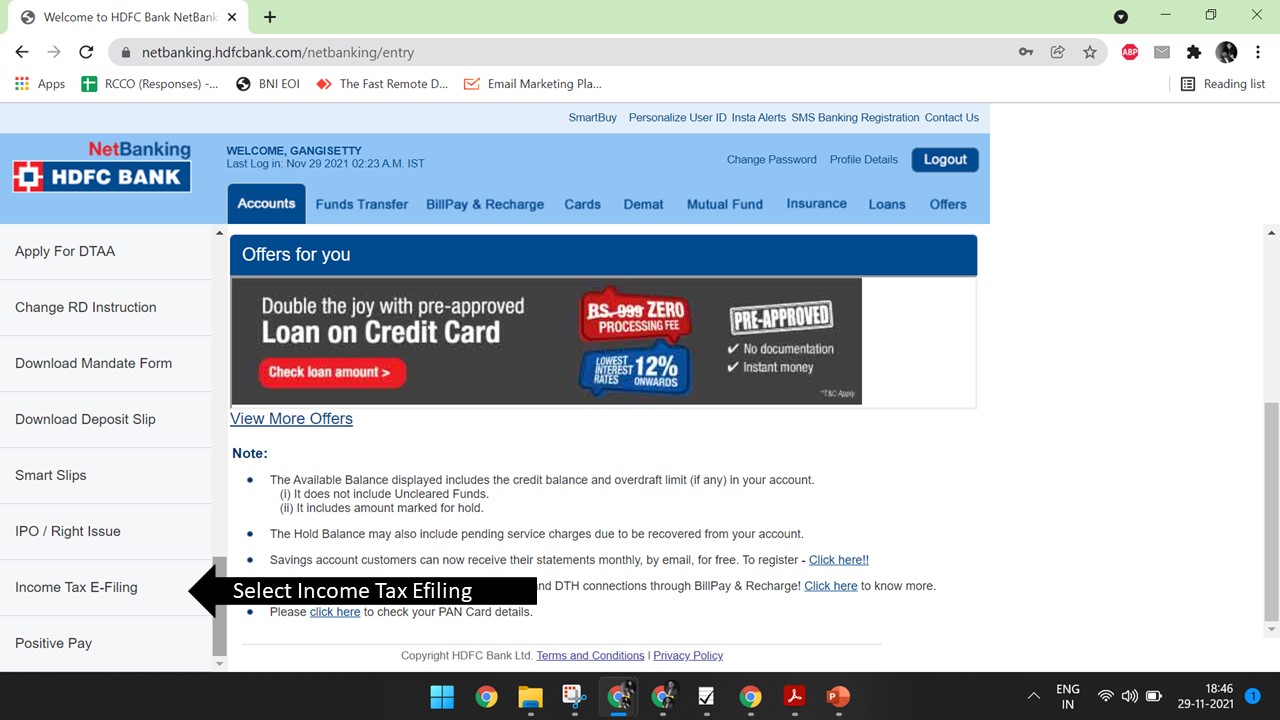
Select Request on left tab
Select Income Tax Filing
Select Account Number and confirm details – Click OK
Select OK for redirection
Later Click Efile – Select Income Tax Returns – Click E-verify return
In the next window, do select e-verify. Upon submission, you will be redirected to a
confirmation screen.
14%
portion of total synergy savings derived from IT consolidation